
Hello Kitty and Strawberry cursor
232Free
You can are able to select different outfits for your custom cursor with Hello Kitty to customize the looking.
Bedtime Bear is one of the most beloved Care Bears, known for his soothing presence and love for sleep. With his aqua blue fur and signature crescent moon Belly badge, he represents relaxation, comfort, and peaceful dreams. Whether you remember him from childhood or are just discovering the world of Care Bears, Bedtime Bear brings a sense of warmth and nostalgia.
Now, you can bring his sleepy charm to your browsing experience with the Bedtime Bear custom cursor for Chrome. This adorable and colorful cursor replaces your standard mouse pointer, making every click and scroll a little more magical. Perfect for fans of animated cursors, retro designs, and cute character-themed cursors, this browser cursor is a must-have addition to your custom cursor collection.
Bedtime Bear is not just about sleep—he’s a reminder to take care of yourself, relax, and enjoy a little fantasy and fun. His soft blue hues and dreamy moon-and-star design make him an ideal cursor for nighttime browsing, cozy moments, or simply expressing your love for classic Care Bears characters like Cheer Bear, Wish Bear, Love-a-Lot Bear, and Tenderheart Bear.
If you’re looking for a cute, fun, and nostalgic touch for your browser, the Bedtime Bear cursor is the perfect choice. Add a little magic to your day and let this adorable Care Bears cursor guide your way through the web
Install the Cursor Space extension for Chrome or Cursor Space for Edge in your browser.
On this page, click "Add this cursor pack to the extension".
Open the extension and go to the Packs tab.
Find the custom cursor pack "Bedtime Bear cursor" and click it.
Enjoy!
Get this cursor pack and thousands of others by installing our extension. It's fast and free!
Bedtime Bear Cursor is a themed cursor pack you can add to your browser to personalize your pointer across common cursor states (default and pointer). Use it for everyday browsing, streaming, studying, or gaming-anywhere you want your cursor to match your vibe.
See how the cursors look before installing.
Add the pack to the extension in a few clicks.
Designed for Chrome and Edge via the extension.
Quick answers to common questions about cursor packs, collections, and installation.
Yes. To apply cursor packs in Chrome or Edge, install the Cursor Space extension and add this pack to it.
Cursor packs are designed for Chromium browsers like Chrome and Microsoft Edge.
Open the extension, choose another pack or disable the current one to return to your default cursor.
Custom cursor and packs - neon, anime, pixel art. Quickly add to Chrome and Microsoft Edge for free
You can are able to select different outfits for your custom cursor with Hello Kitty to customize the looking.
U*SA*HA*NA is a colorful, lively little girl bunny that loves summer. Cursor with U*SA*HA*NA will pretty much match your everyday surfing the web.
Straight from his residence in Lapland, Santa attended our Merry Christmas and Happy New Year custom cursors collection for Chrome as a custom cursor for the mouse.
There is a custom cursor with a character weapon and an Aqua as a hover in a set of The Wishes cursors for Chrome.

This cutest, smallest, and youngest Ongis of the trinity is a custom cursor for mouse and pointers from the adorable custom cursors collection.
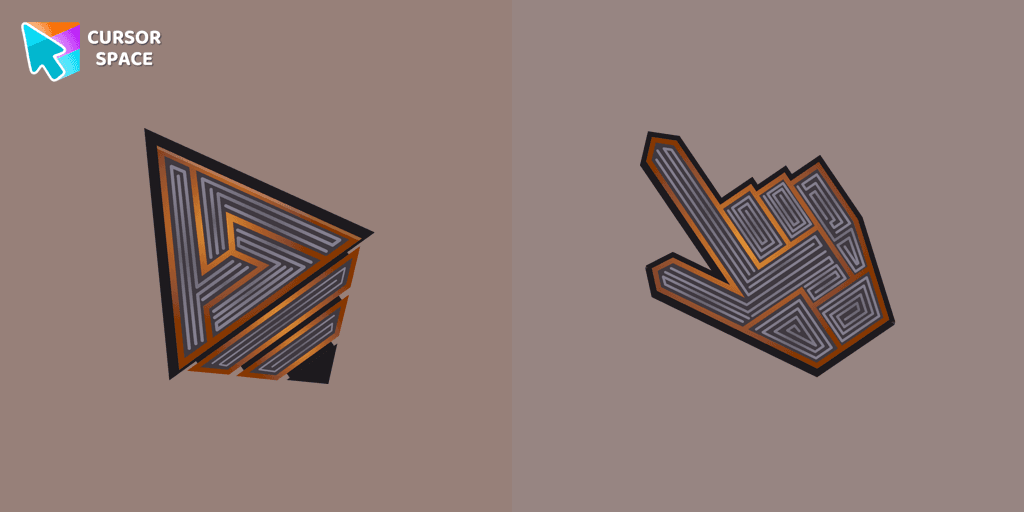
Transform your screen with our unique labyrinth custom cursor, perfect for adding timeless intrigue to your journey.
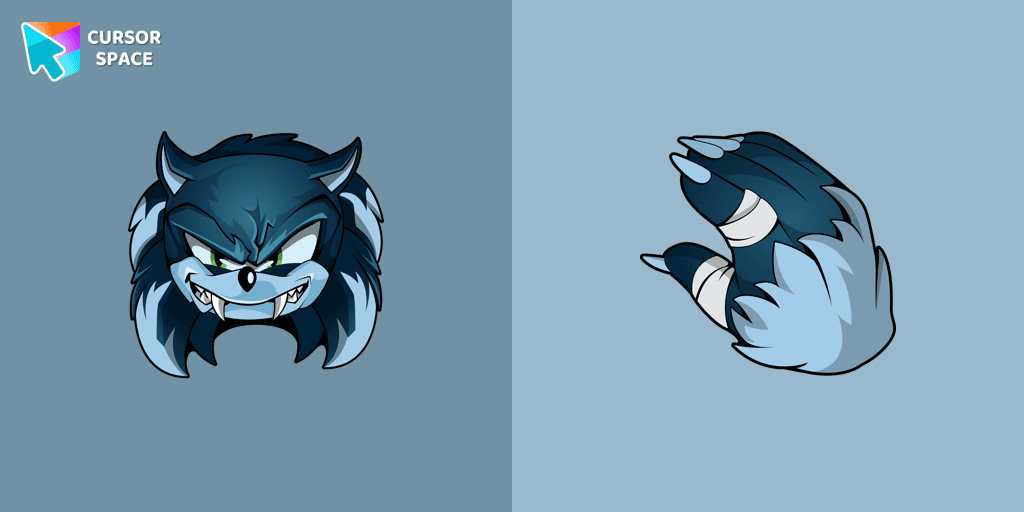
Install the Sonic the Werehog cursor from our Sonic the Hedgehog custom cursor collection.
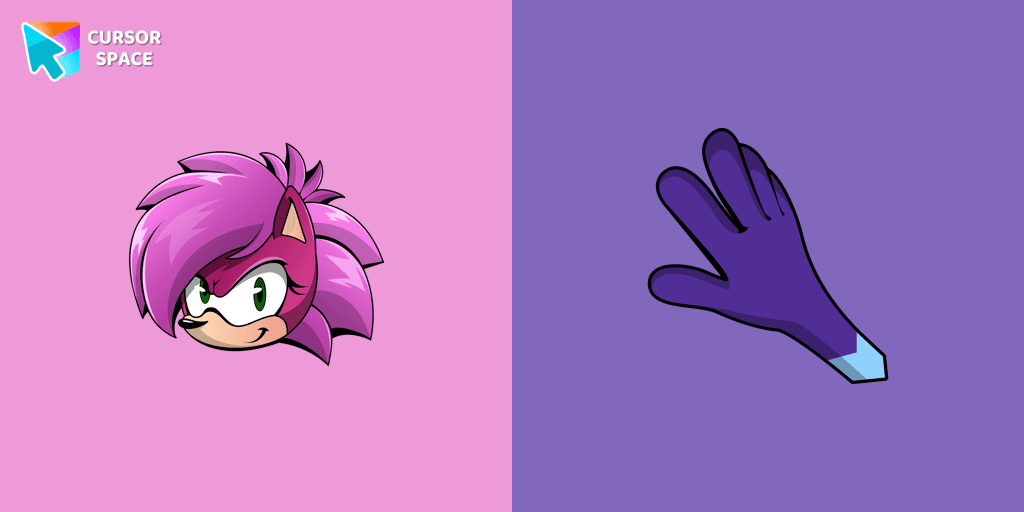
Sonia the Hedgehog for Chrome cursor set has a custom cursor and a pointing device.

Explore Oreo Spark Dark Custom Cursors for a playful twist on Chrome, combining whimsy and charm in every click.

Experience the fun of the Multiple Cursor prank with a custom cursor for Google Chrome. Add fake cursors to confuse and entertain while keeping only one functional.
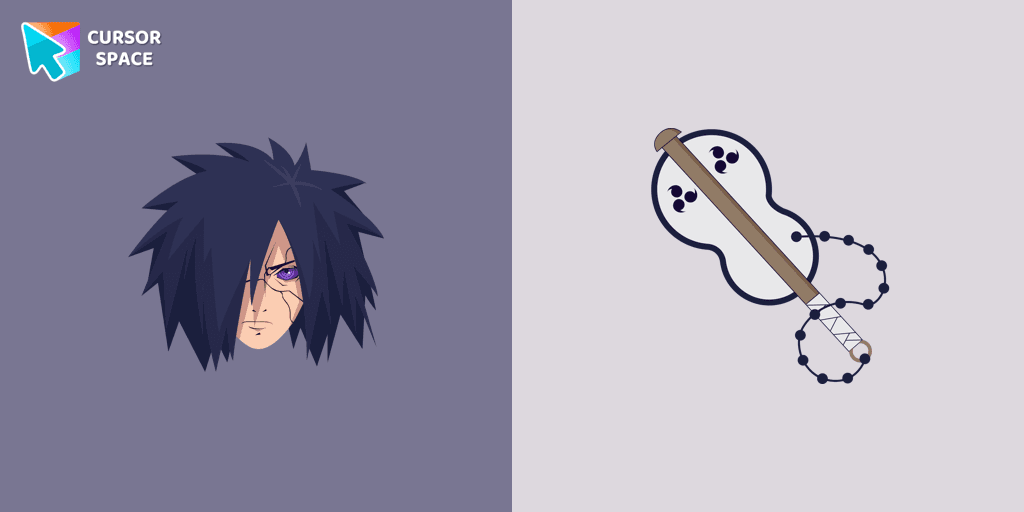
If you want to change the default cursor to Madara, you are welcome to our collection of cursors in Naruto in a variety of moods.
Installation leaders from "Care Bears": free packs, neon/anime/pixel art, quick add to Chrome and Edge.
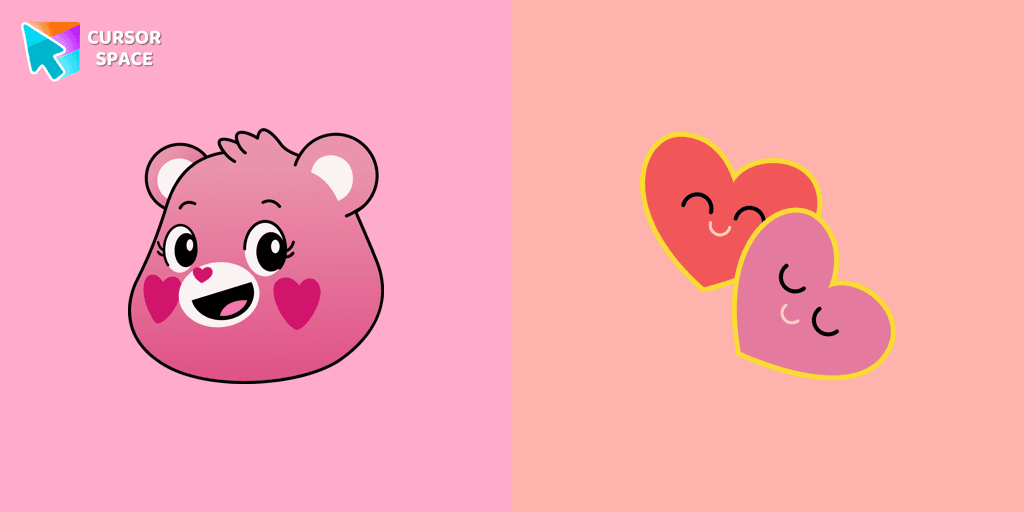
The Love-a-lot Bear custom cursor from our custom cursors collection for Chrome.
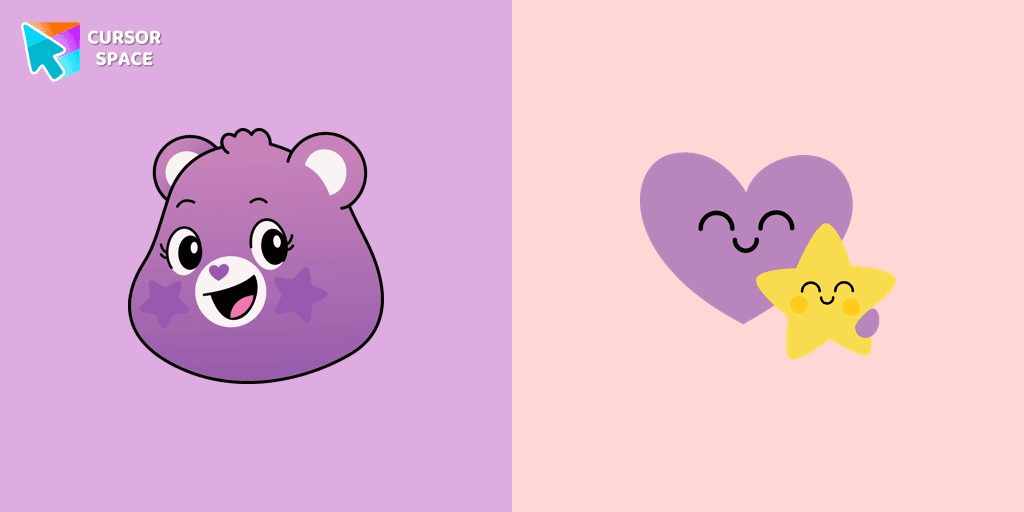
Featuring the iconic Care Bears character, this cursor adds a touch of charm and nostalgia to your screen.
Smart Heart Bear custom cursor for the mouse is a pretty character in a Care Bears cursor collection for Chrome.
The True Heart Bear custom cursor brings charm and nostalgia to your browsing. Enjoy this adorable custom cursor for Google Chrome featuring the iconic Care Bears character.
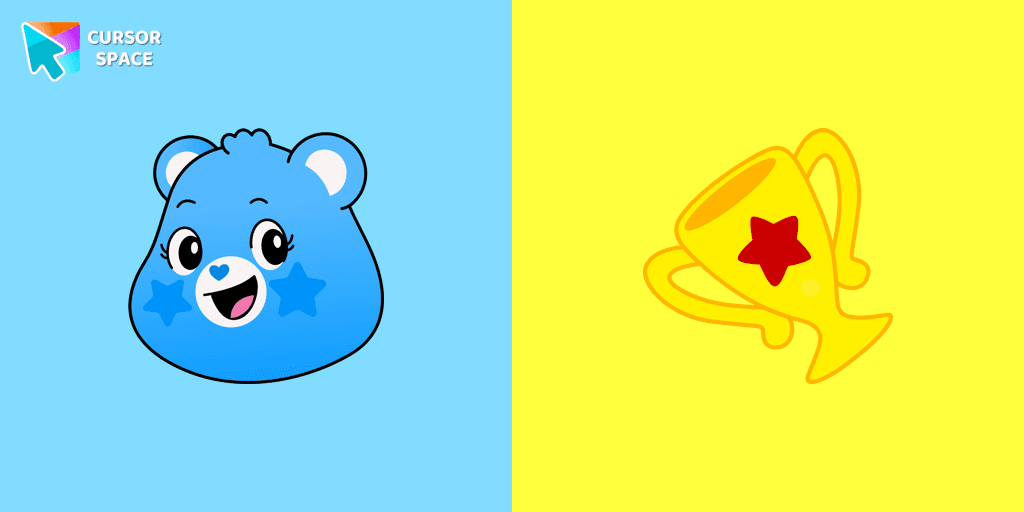
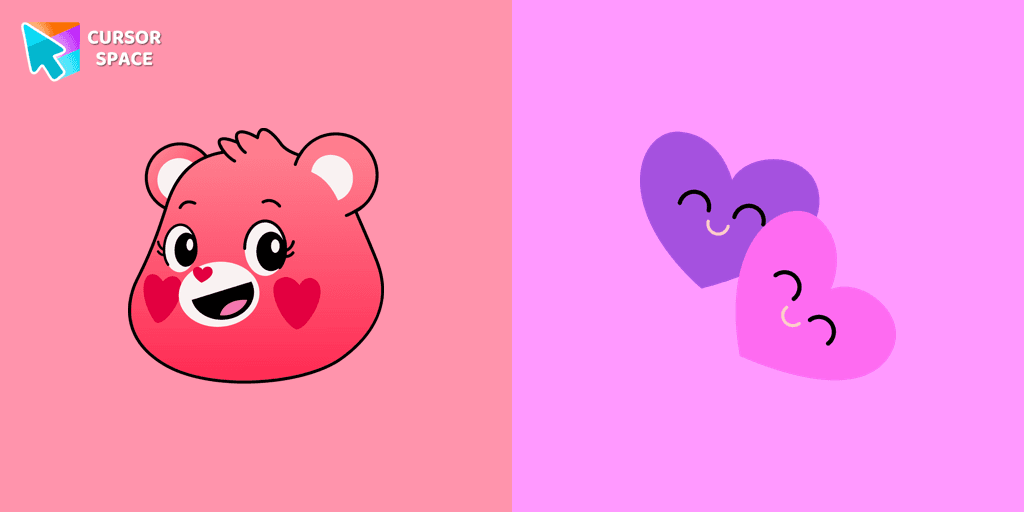
Stay Connected with the Always There Bear Cursor - A Trustworthy Companion

Grumpy Bear cursor for mouse and pointer in a terrific custom cursors collection for Chrome with Care Bears.
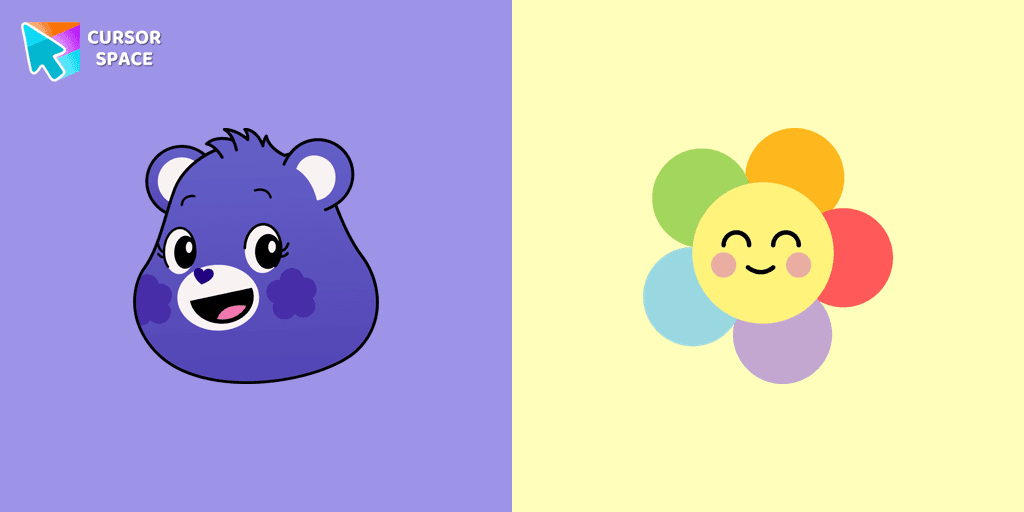
A fun Harmony Bear as a custom cursor for mouse and pointer with which we can spend many hours of fun.
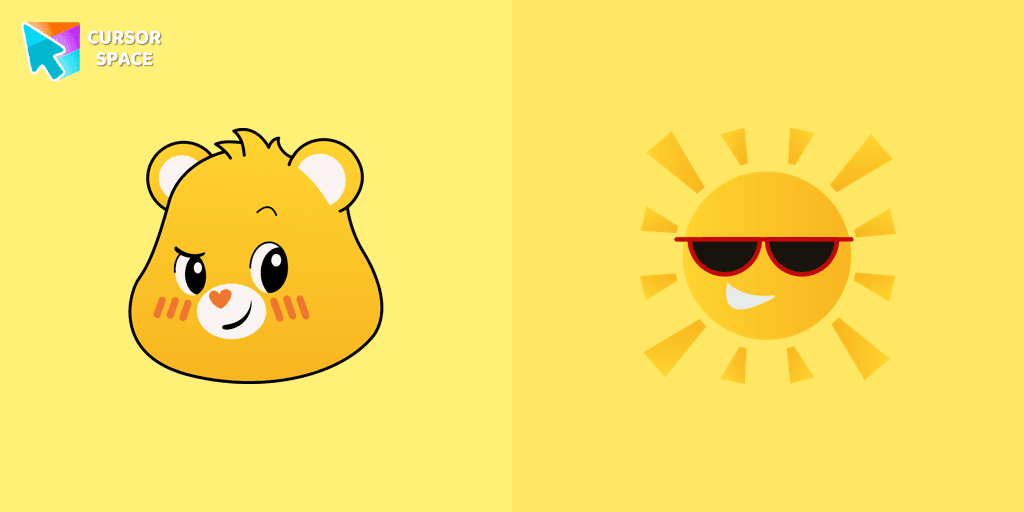
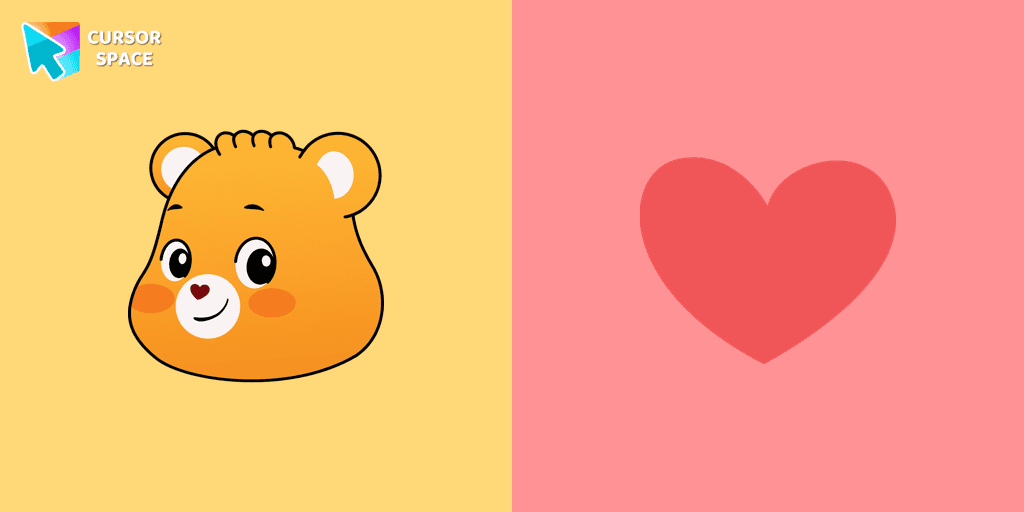
Funshine Bear cursor for a mouse is a good fan art to decorate your browsing and a smiling sun hover comes together with the custom cursor with Funshine.
Add packs instantly and unlock access to thousands of cursors: neon, anime, pixel-art, and more. Fast, safe, and free.
Cursor Space is an extension for changing your mouse cursor in Chrome and Edge browsers: themed collections, HiDPI icons, neon, animated, and pixel cursors, with quick installation.