
Zombie Red Hand Cursor
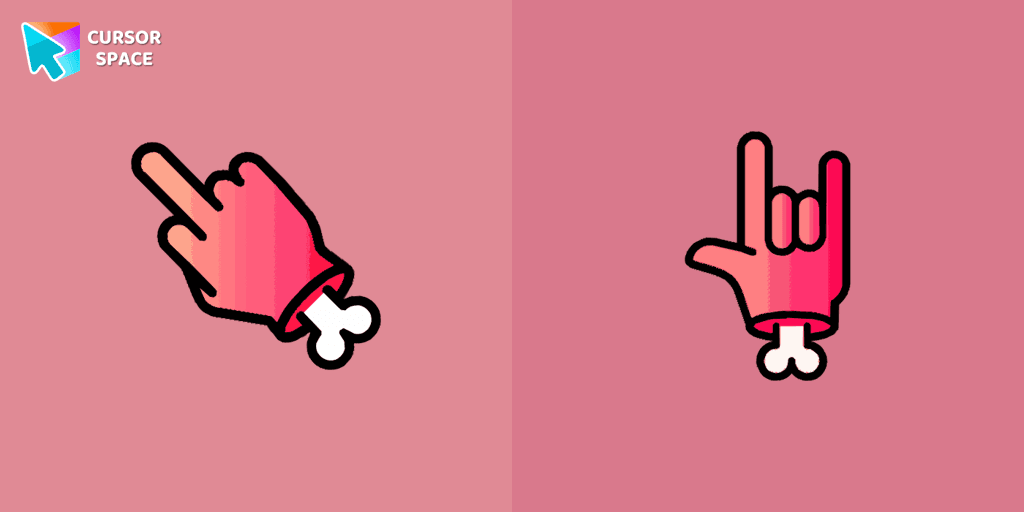
Cursors in the pack
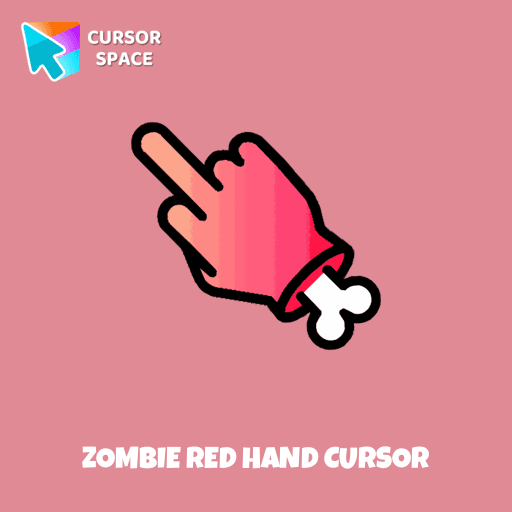
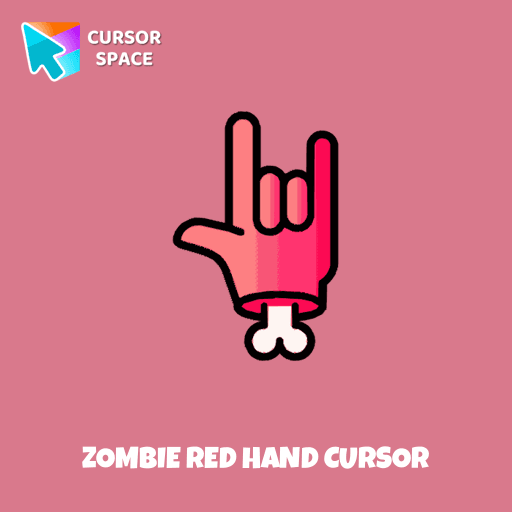
Description
Introducing the Zombie Red Hand cursor, a cute and customizable cursor to enhance your digital experience. With Custom Cursor, you can easily replace your default cursor with the adorable Zombie Red Hand cursor, adding a touch of personality to your browsing. The collection offers a wide variety of cute and unique cursors to choose from, allowing you to customize your cursor according to your preferences. Surround yourself with adorability and stand out from the crowd with the Zombie Red Hand cursor, bringing a playful and eye-catching element to your online activities.
Visit Google for more information and to download this cursor space. Enhance your browsing with the Zombie Red Hand custom cursor. This unique custom cursor for Google Chrome adds personality and a playful touch to your screen.
What's included in the package
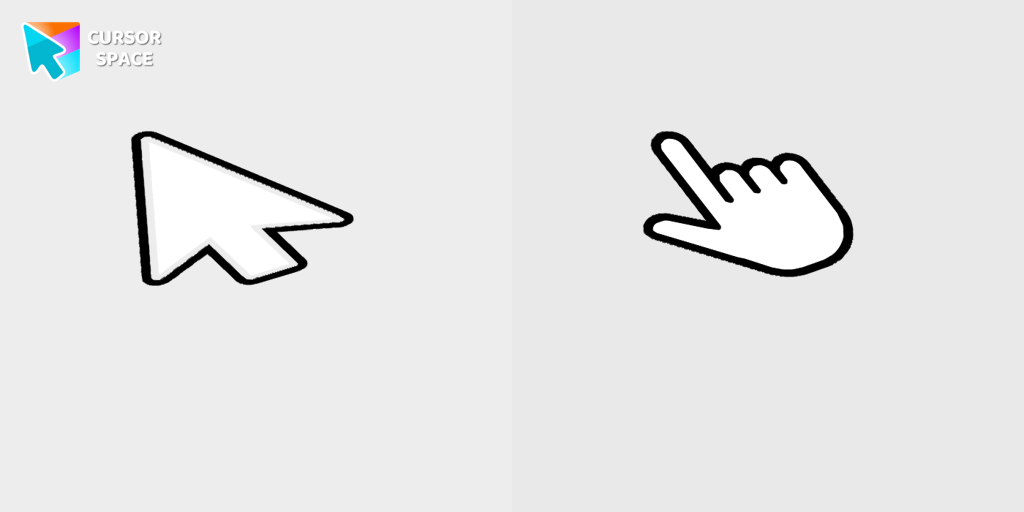
- Default Cursor
- Pointer (Hand)
How to install a custom cursor pack Zombie Red Hand Cursor
Install the Cursor Space extension for Chrome or Cursor Space for Edge in your browser.
On this page, click "Add this cursor pack to the extension".
Open the extension and go to the Packs tab.
Find the custom cursor pack "Zombie red hand cursor" and click it.
Enjoy!
Ready to install?
Get this cursor pack and thousands of others by installing our extension. It's fast and free!
About this cursor pack
Zombie Red Hand Cursor is a themed cursor pack you can add to your browser to personalize your pointer across common cursor states (default and pointer). Use it for everyday browsing, streaming, studying, or gaming-anywhere you want your cursor to match your vibe.
Instant preview
See how the cursors look before installing.
Easy install
Add the pack to the extension in a few clicks.
Works in your browser
Designed for Chrome and Edge via the extension.
FAQ
Quick answers to common questions about cursor packs, collections, and installation.
Do I need an extension?
Which browsers are supported?
How do I switch back to the default cursor?
Popular cursors today
Custom cursor and packs - neon, anime, pixel art. Quickly add to Chrome and Microsoft Edge for free
- TOP 1
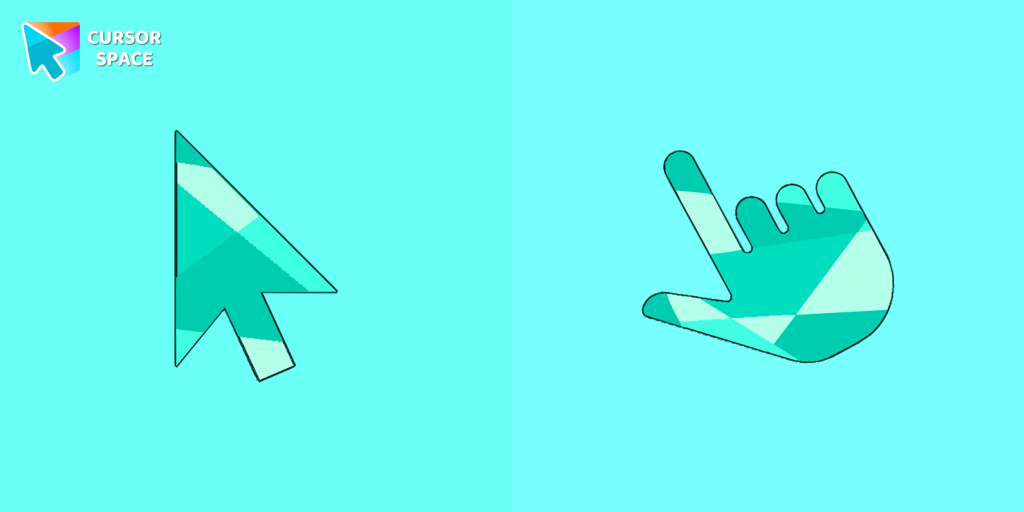
Emerald cursor
(1.6k)FreeEnhance your browsing with the Emerald custom cursor for Google Chrome. This gem-like green pointer adds elegance and personalization to your digital workspace.
- TOP 2
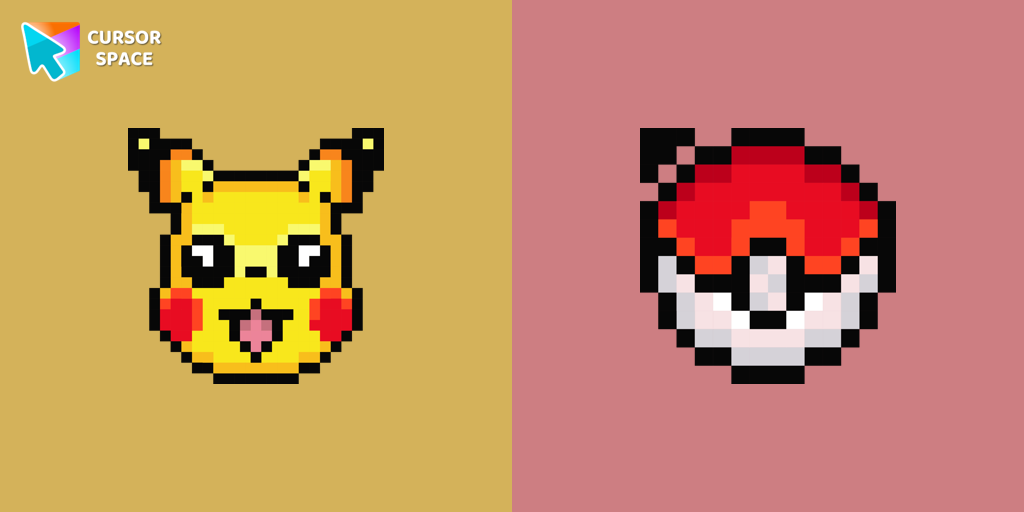
Pikachu Pixel cursor
(92)FreeCute Pixel custom cursors collection for Chrome gives you an opportunity to change the usual cursor to Pikachu Cursor in a cool pixel design.
- TOP 3
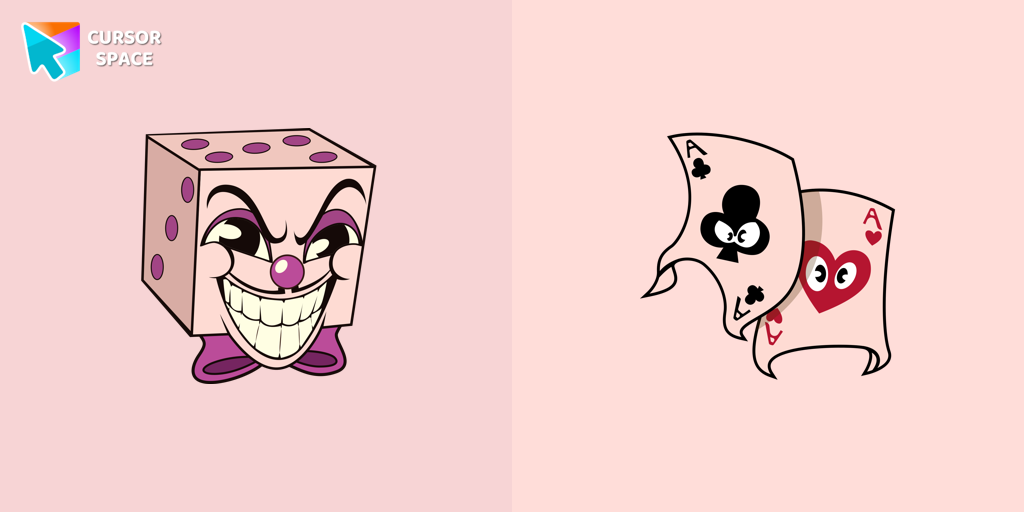
King Dice cursor
(88)FreeAdd a regal touch to your browsing with the King Dice custom cursor. A unique and stylish custom cursor for Google Chrome, perfect for a refined experience.
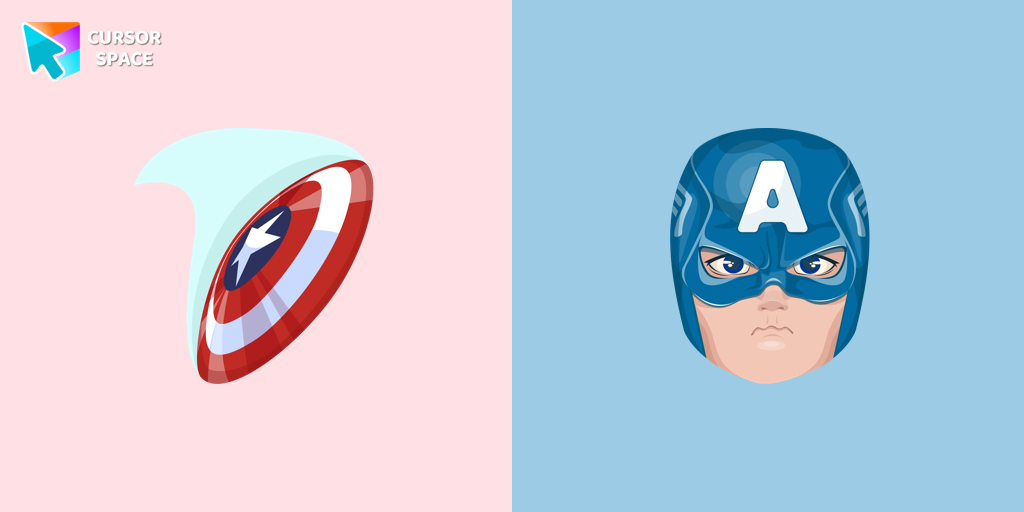
Captain America cursor
(646)FreeUpgrade your browsing with the Captain America custom cursor. Featuring Captain America's shield, this custom cursor for Google Chrome adds superhero flair to your screen.

Bibata Original Classic Cursor
(192)FreeEnhance your desktop experience with the Custom Bibata Original Classic Cursor, a stylish and modern option for both work and leisure.
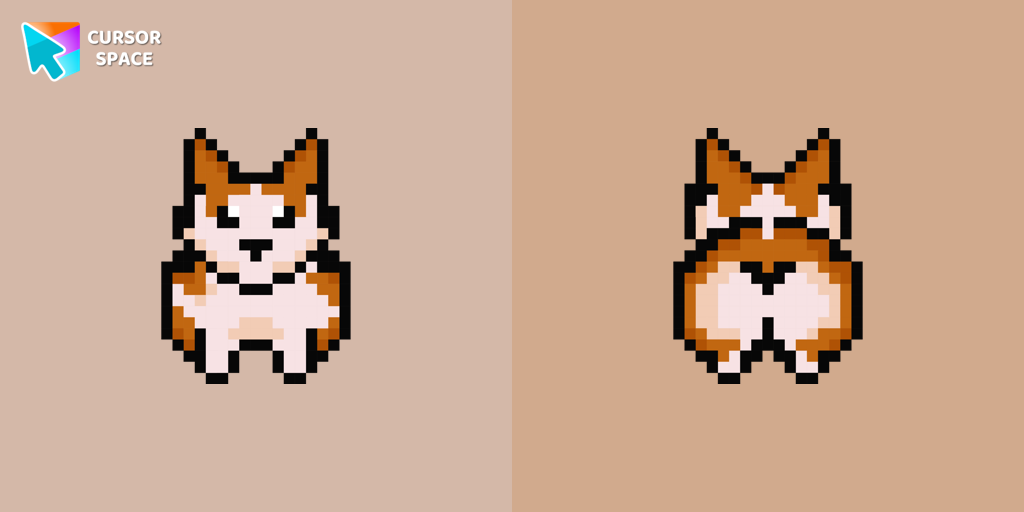
Welsh Corgi Pixel cursor
(243)FreeMeet the happy Corgi Pixel cursor for Chrome in a Cute Pixel custom cursors collection for mouse and pointers.

Heart Pendant cursor
(151)FreeTransform your screen with custom cursors. Choose the Heart Pendant design for a touch of elegance and functionality.
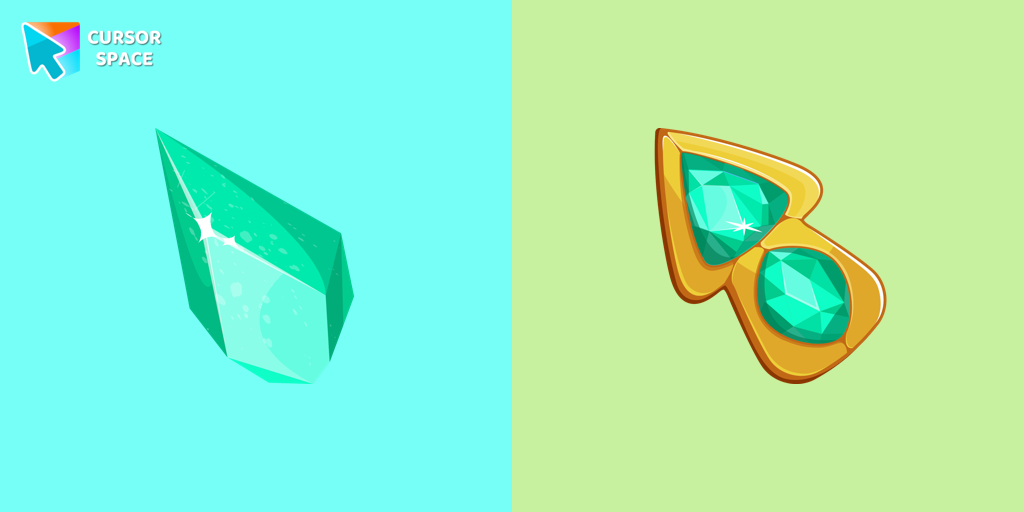
Green Amethyst cursor
(276)FreeUpgrade your browsing with the Green Amethyst custom cursor! Elegant and unique, it adds a touch of beauty to your screen. Make your pointer shine today!
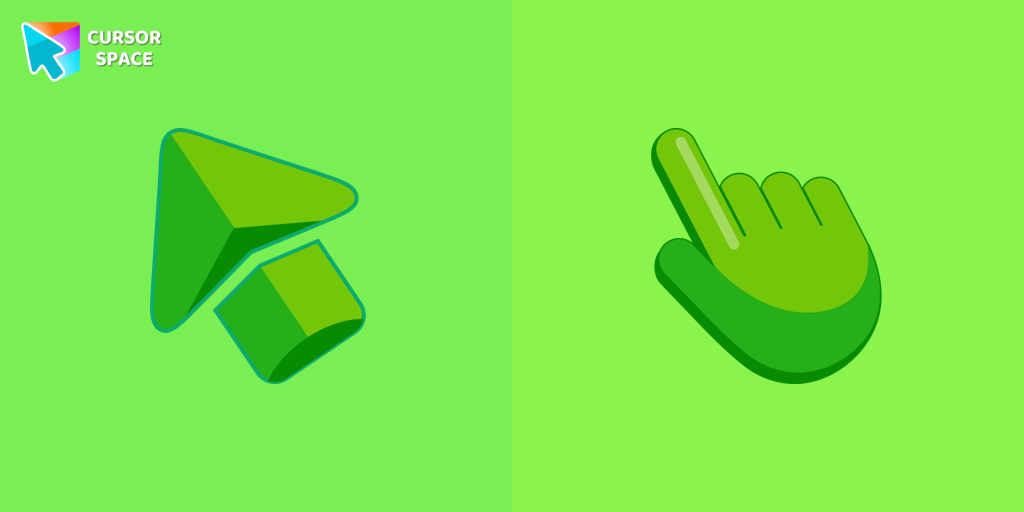
Green cursor
(768)FreeEnhance your browsing experience with the charming Green custom cursor, a delightful upgrade that transforms your ordinary pointer with style and playfulness.
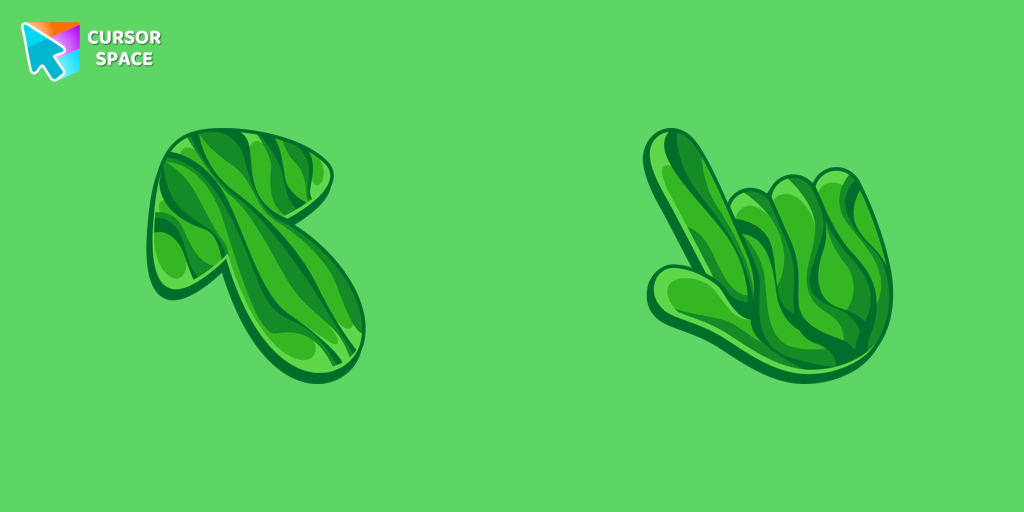
Grass cursor
(78)FreeDiscover the allure of nature with The Grass cute cursor, a unique addition to The Cursors custom cursors collection.
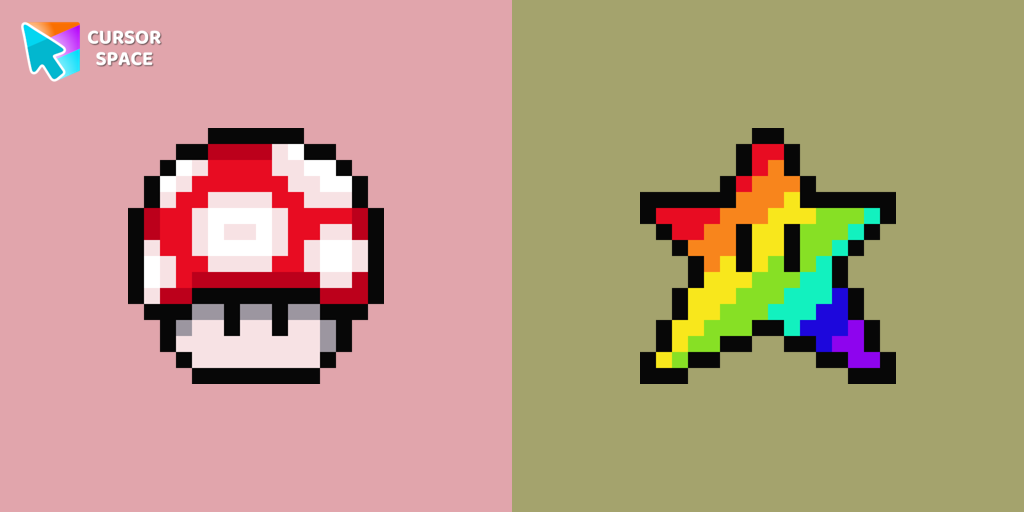
Super Mushroom Pixel cursor
(264)FreeCute custom cursor with Super Mario includes a mouse cursor in the form of super mushroom and a hover pointer with the star.
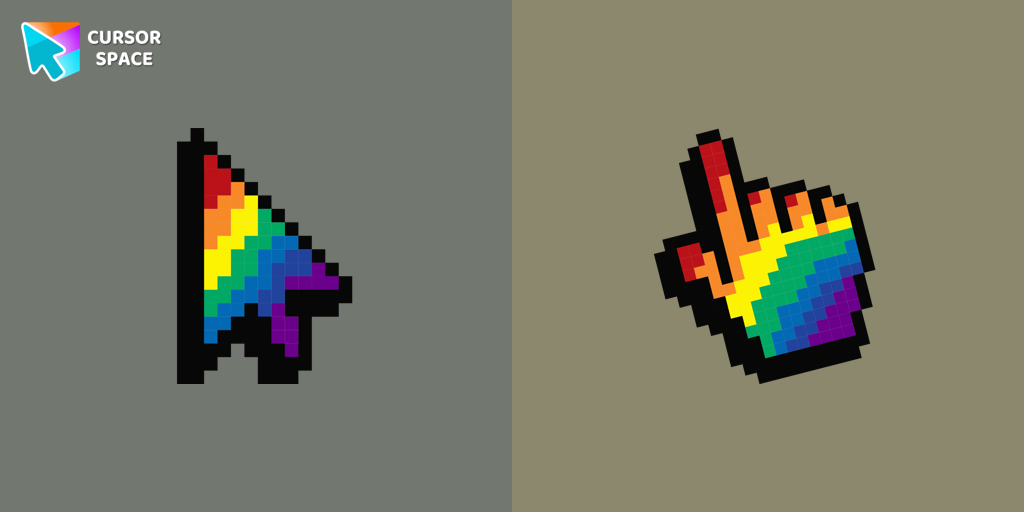
Rainbow Pixel cursor
(91)FreeAdd an attractive rainbow custom cursor for the mouse and pointer.
Collection hits
Installation leaders from "Space-Themed Collection": free packs, neon/anime/pixel art, quick add to Chrome and Edge.
- TOP 1

Multiple cursor prank
(3.1k)FreeExperience the fun of the Multiple Cursor prank with a custom cursor for Google Chrome. Add fake cursors to confuse and entertain while keeping only one functional.
- TOP 2

8 bit cursor
(2.3k)FreeEnhance your browsing with the 8-bit custom cursor. This custom cursor for Google Chrome adds a nostalgic, pixelated charm to your screen for a retro experience.
- TOP 3

Orange gradient cursor
(2.0k)FreeUpgrade your browsing with the Vibrant Orange Gradient Cursor. This custom cursor offers a seamless orange gradient, merging style with functionality
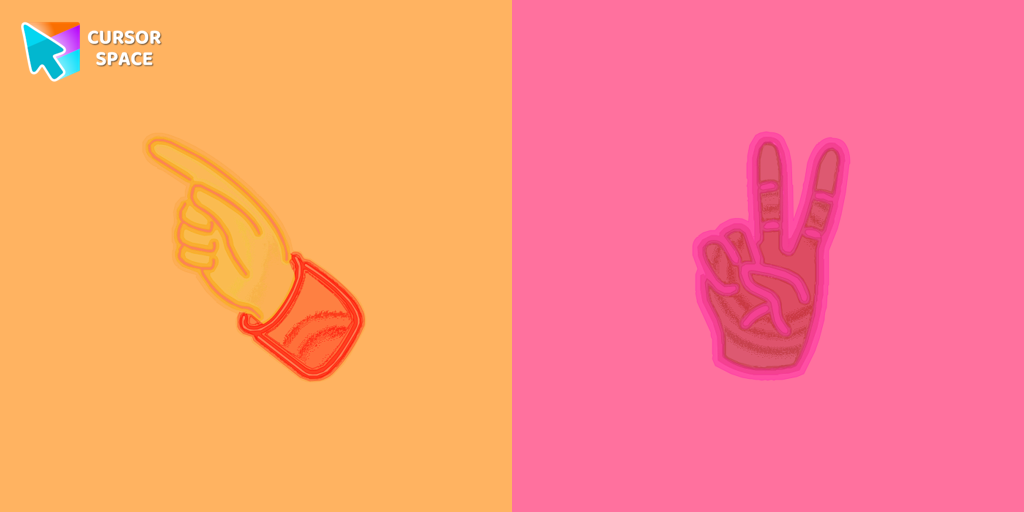
Pointer neon cursor
(2.0k)FreePointer Neon Cursor is a customizable cursor option for those who want to add some color to their computer interface.

Forbidden Pointer cursor prank
(1.8k)FreeTransform your browsing with the Forbidden Pointer custom cursor for Google Chrome. This fun prank cursor mimics a "no entry" sign, creating amusing and unexpected reactions.
Emerald cursor
(1.6k)FreeEnhance your browsing with the Emerald custom cursor for Google Chrome. This gem-like green pointer adds elegance and personalization to your digital workspace.

Little Pointer cursor prank
(1.4k)FreeEnjoy a fun twist on browsing with the Little Pointer custom cursor for Google Chrome. This playful custom cursor shrinks your pointer, adding a touch of surprise and humor.
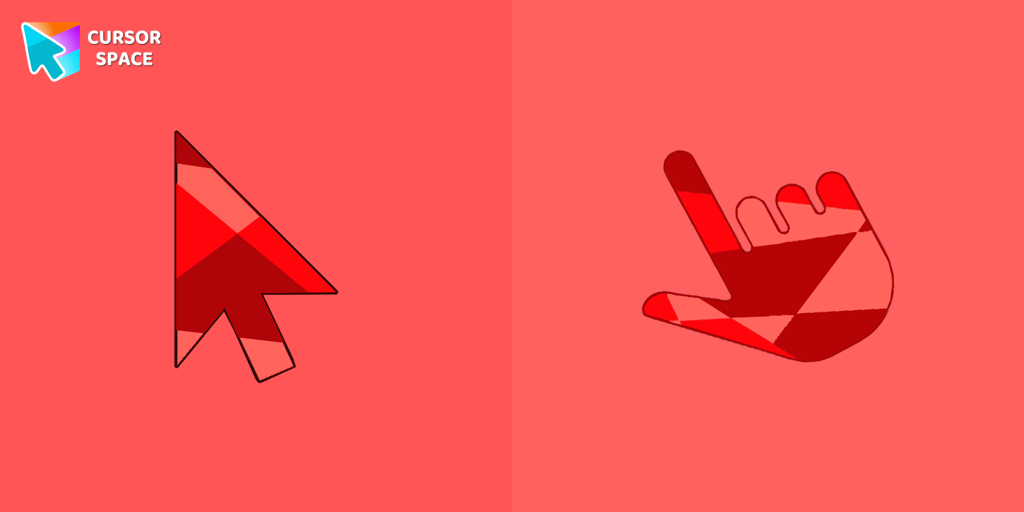
Ruby cursor
(1.3k)FreeRuby custom cursor for Google Chrome helps you track text input and operations in Ruby coding. Improve text processing and editing efficiency with ease.
Diamond and crown cursors
(358)FreeElevate your desktop with Diamond and Crown Cursors, a custom cursor for Google Chrome. Add elegance and luxury with beautifully crafted diamond and crown designs.
Flattened cursor
(280)FreeThe Flattened Cursor Prank is a fun and mischievous custom cursor that creates a flattened effect to confuse friends. Try this custom cursor for Google Chrome for harmless fun.

Instagram cursor
(229)FreeEnhance your browsing with the Instagram custom cursor for Google Chrome. Sleek and stylish, it’s perfect for Instagram fans looking to personalize their cursor.

On the contrary cursor
(197)FreeEnjoy a fun twist with the On the Contrary custom cursor for Google Chrome. This witty cursor moves opposite to your mouse, perfect for a light-hearted prank.
Install Cursor Space - A Collection of Custom Cursors for Chrome & Edge
Add packs instantly and unlock access to thousands of cursors: neon, anime, pixel-art, and more. Fast, safe, and free.
- Free cursor packs
- HD/HiDPI & animated icons
- Quick browser installation
Cursor Space is an extension for changing your mouse cursor in Chrome and Edge browsers: themed collections, HiDPI icons, neon, animated, and pixel cursors, with quick installation.